🎉 Up to 70% Off Selected ItemsShop Sale

1 / 7
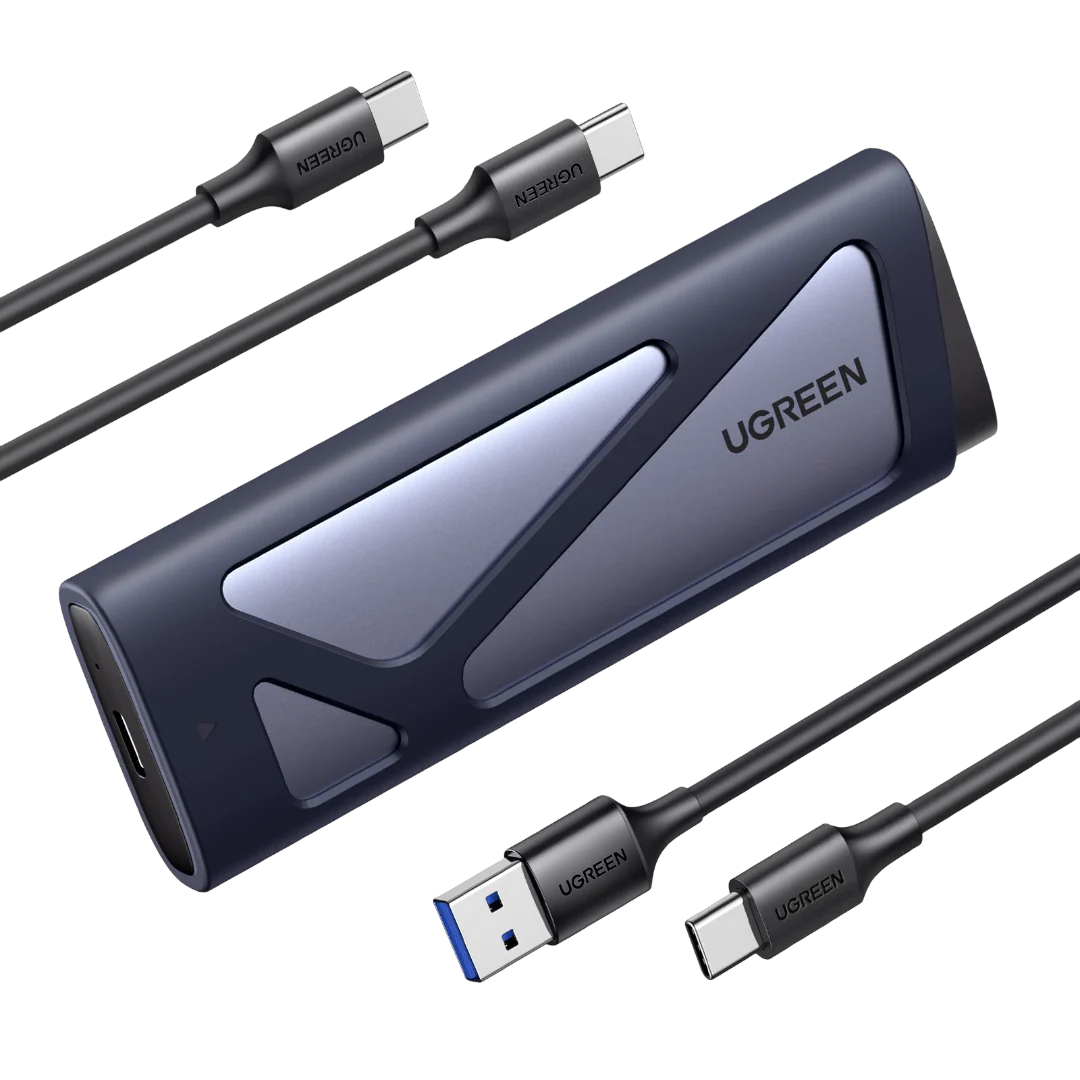
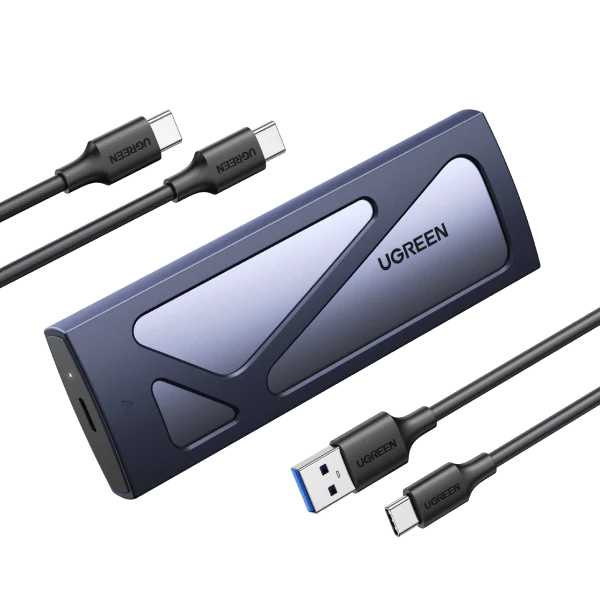
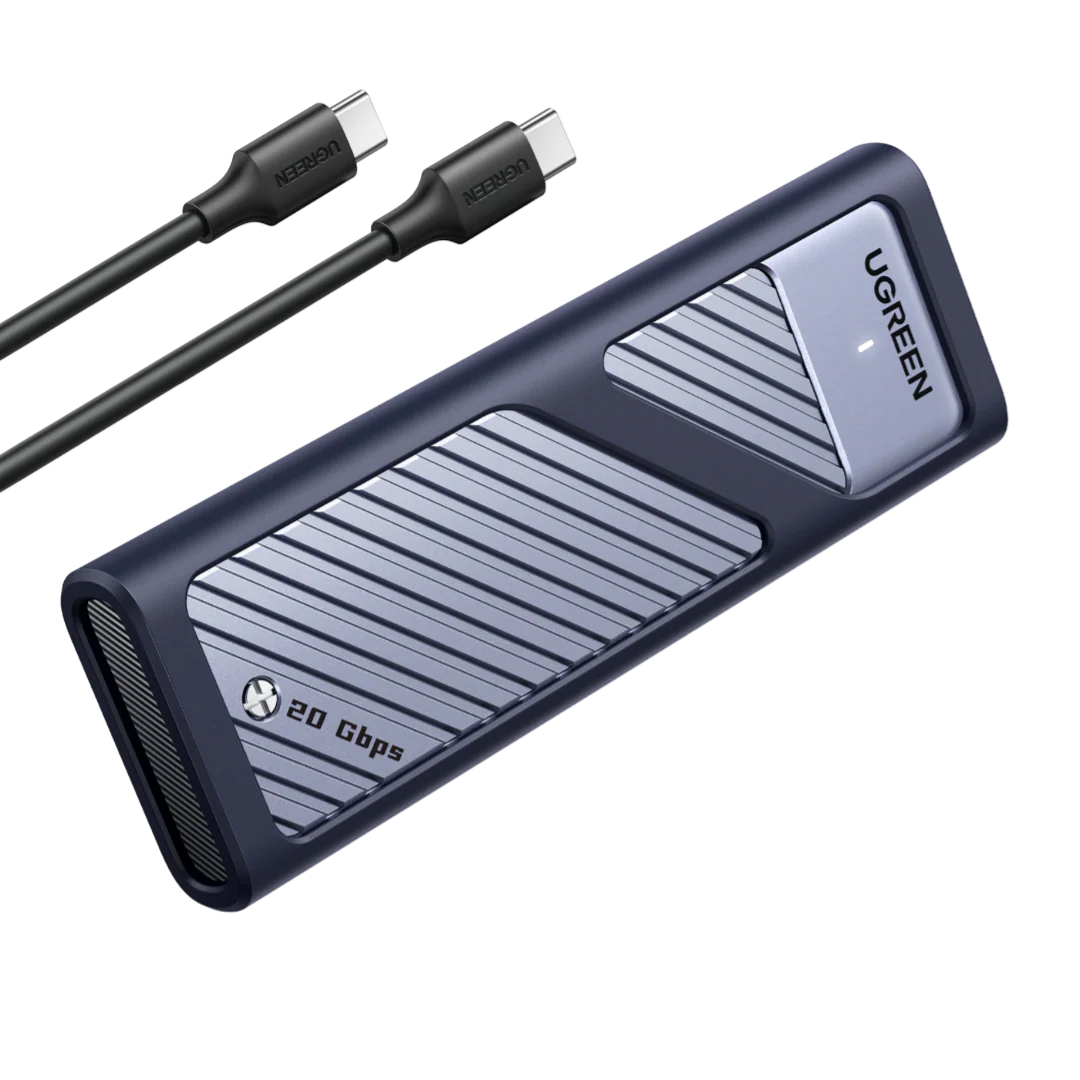
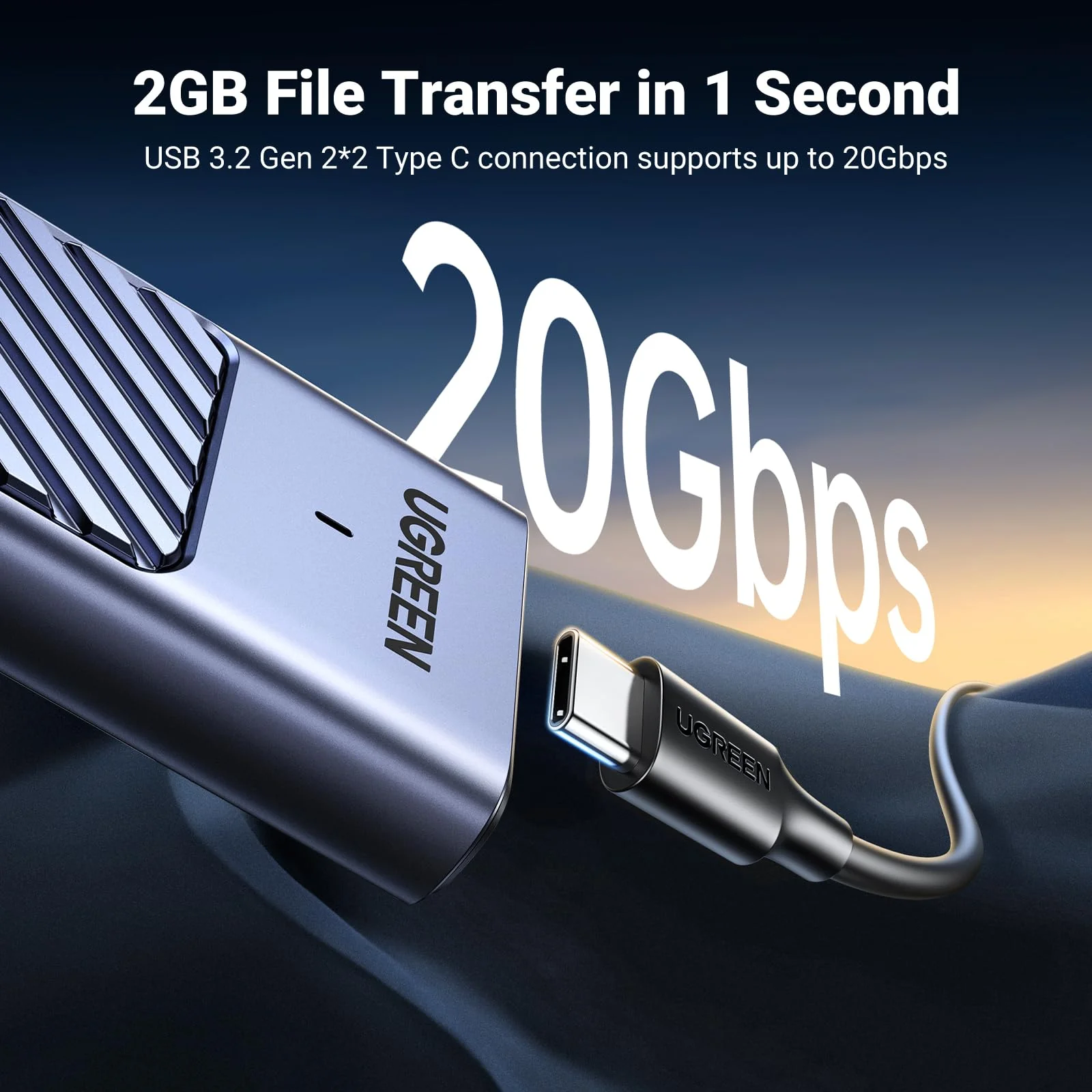
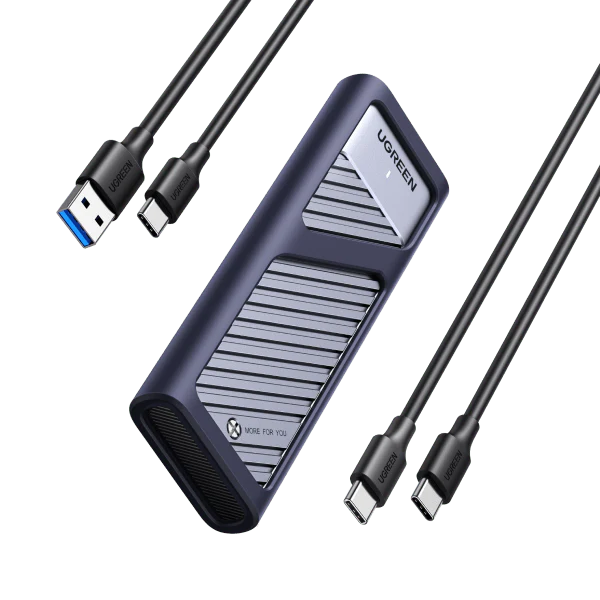
UGREEN 10Gbps M.2 NVMe SATA SSD Hard Drive Enclosure With 2 Cables
UGREEN M.2 NVMe and SATA SSD Enclosure


-

Step 1
1. Open the top cover with the supplied screwdriver.
-

Step 2
2. Insert and attach M.2 SSD to the enclosure.
-

Step 3
3. Fix the M.2 SSD with the rubber button.
-

Step 4
4. Carefully place the cooling pads on the M.2 SSD.
-

Step 5
5. Fix it with screws, then close it with the silicone case.
Installation Guide
1 Step 1 2 Step 2 3 Step 3 4 Step 4 5 Step 5
$15.70
Original: $44.86
-65%UGREEN 10Gbps M.2 NVMe SATA SSD Hard Drive Enclosure With 2 Cables—
$44.86
$15.70Product Information
Product Information
Shipping & Returns
Shipping & Returns
Description
UGREEN M.2 NVMe and SATA SSD Enclosure
-
Step 1
1. Open the top cover with the supplied screwdriver.
-
Step 2
2. Insert and attach M.2 SSD to the enclosure.
-
Step 3
3. Fix the M.2 SSD with the rubber button.
-
Step 4
4. Carefully place the cooling pads on the M.2 SSD.
-
Step 5
5. Fix it with screws, then close it with the silicone case.
Installation Guide
1 Step 1 2 Step 2 3 Step 3 4 Step 4 5 Step 5